
In AI Chatbot & Ecommerce Guides
How to Set Up an Instagram AI Chatbot for Your Online Store
Connect Instagram, sync products, add FAQs, and let AI take first replies in DMs—with human takeover when a buyer needs your team.
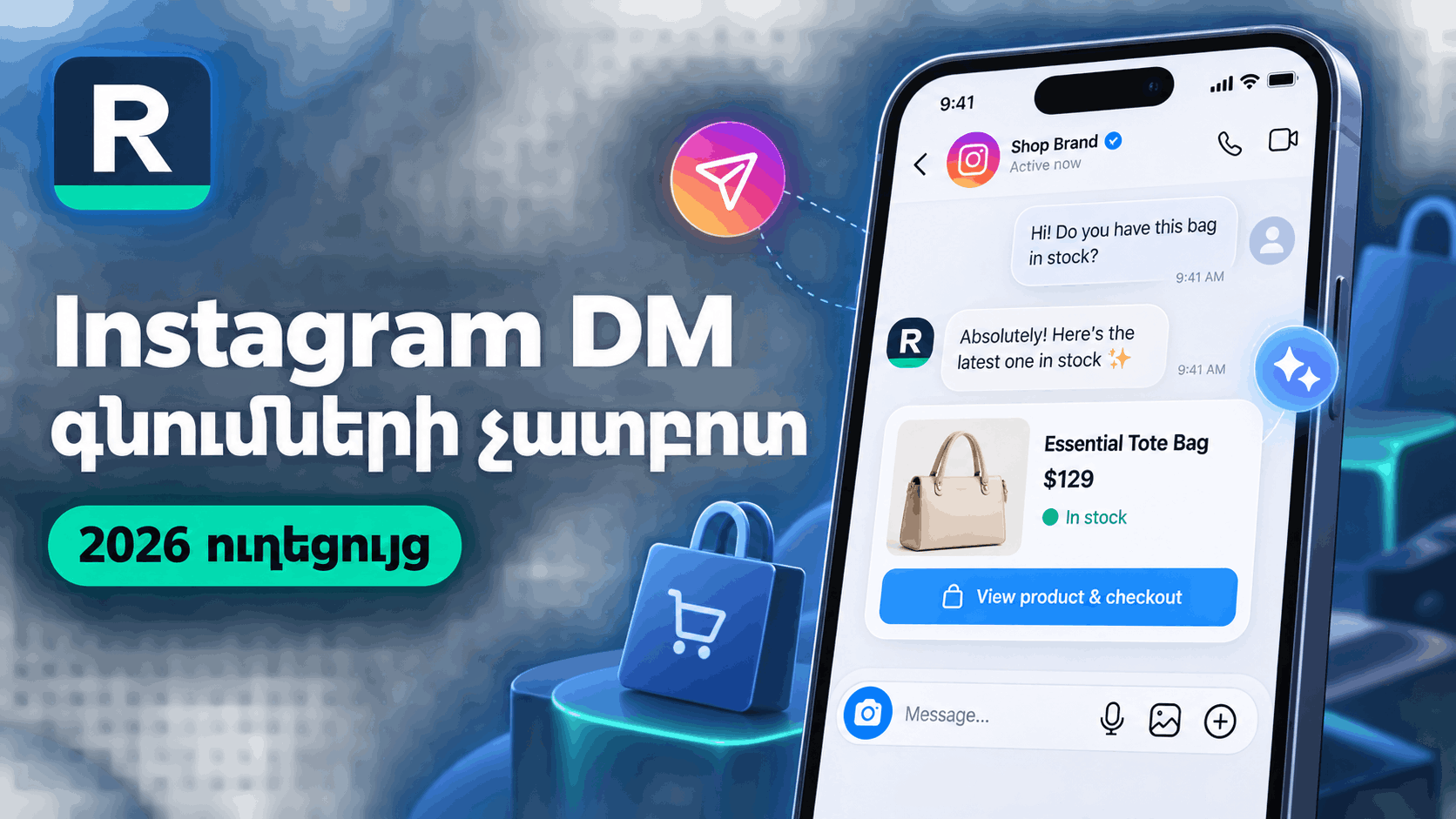
This guide covers how to set up an Instagram AI chatbot for an online store—connection, catalog, FAQs, testing, and human takeover.
Prerequisites
- An Instagram professional account connected through Meta as required by the platform.
- Product data ready via Magento sync, Shopify sync, or CSV import.
- Clear FAQs for shipping, returns, and sizing.
Setup steps
- Connect Instagram DM in Replymerce channels.
- Sync or import products and confirm names, variants, and prices look right.
- Add Knowledge FAQs in the language you want shoppers to read.
- Send a test DM and read the AI reply carefully.
- Practice human takeover, assignment, internal notes, and canned replies.
- Publish storefront CTAs (illustrative: “DM us your size”) so buyers know how to start.
What success looks like day one
Shoppers get useful first answers in DMs; your team finishes nuanced sales in the shared inbox. Measure response coverage and escalation quality—not invented conversion percentages.
Limitations
Catalog lag, Meta connection issues, and incomplete FAQs cause wrong answers. Fix data before blaming the model.
Next step
Use the Instagram shopping chatbot page as your product overview, then register and compare plans on /pricing.
Ready to turn DMs into revenue?
Set up in minutes. Connect Meta, add your catalog, and let AI handle the first reply while your team closes the sale.