
← Back to blog
In AI Chatbot & Ecommerce Guides
How to Use a Facebook Messenger Chatbot for Ecommerce
By Replymerce TeamPublished August 24, 2026
Connect Facebook Messenger to your catalog, answer product questions, capture intent, and take over hot chats from one inbox.
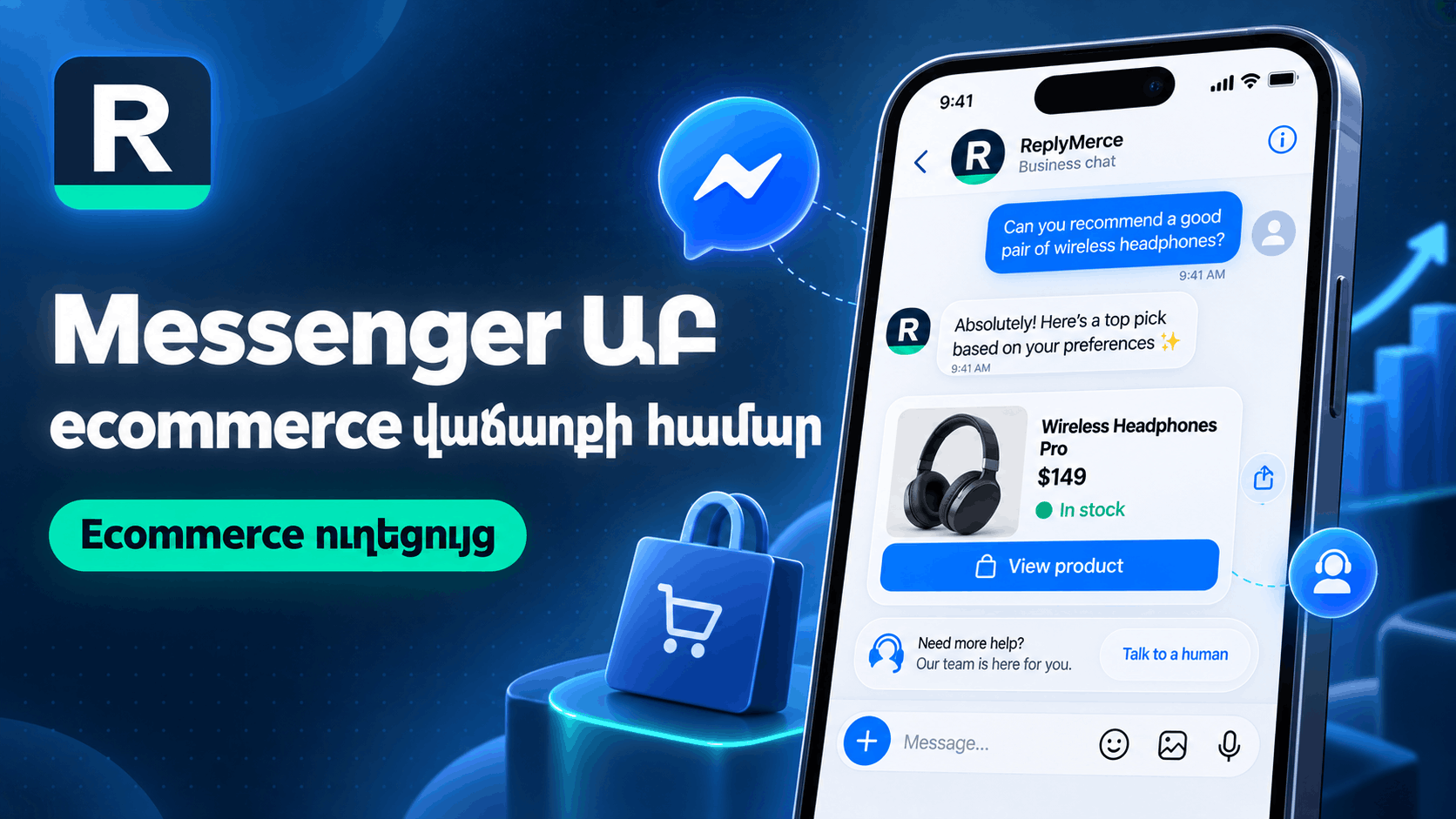
A Facebook Messenger chatbot for ecommerce answers product questions where many shoppers already message your Page—then lets your team take over from a shared inbox.
What Messenger AI should do for a store
- Reply with catalog-backed product details (Magento, Shopify, or CSV).
- Share FAQs for shipping and returns.
- Capture intent with clear follow-up questions (illustrative: budget, size, color).
- Escalate via human takeover, assignment, and internal notes.
Setup outline
- Connect Messenger in Replymerce channels.
- Sync or import products; spot-check a few SKUs.
- Add store policies to Knowledge.
- Send a test Page message; verify AI reply and takeover.
- Align Instagram and Messenger ownership so the same agent can finish both threads.
Where it sits with other channels
Messenger is one channel alongside Instagram DM, WhatsApp, website_chat, and voice_call. Use the unified inbox so context is not split.
Limitations
Page permissions and Meta messaging rules apply. AI will not invent checkout flows inside Messenger.
Next step
Open Messenger AI for ecommerce, review pricing, and register.
Ready to turn DMs into revenue?
Set up in minutes. Connect Meta, add your catalog, and let AI handle the first reply while your team closes the sale.