
In AI Chatbot & Ecommerce Guides
How to Manage Instagram and WhatsApp Messages in One Inbox
Stop switching between apps. Use one shared inbox for Instagram, WhatsApp, Messenger, and website chat—with assignment, notes, and human takeover.
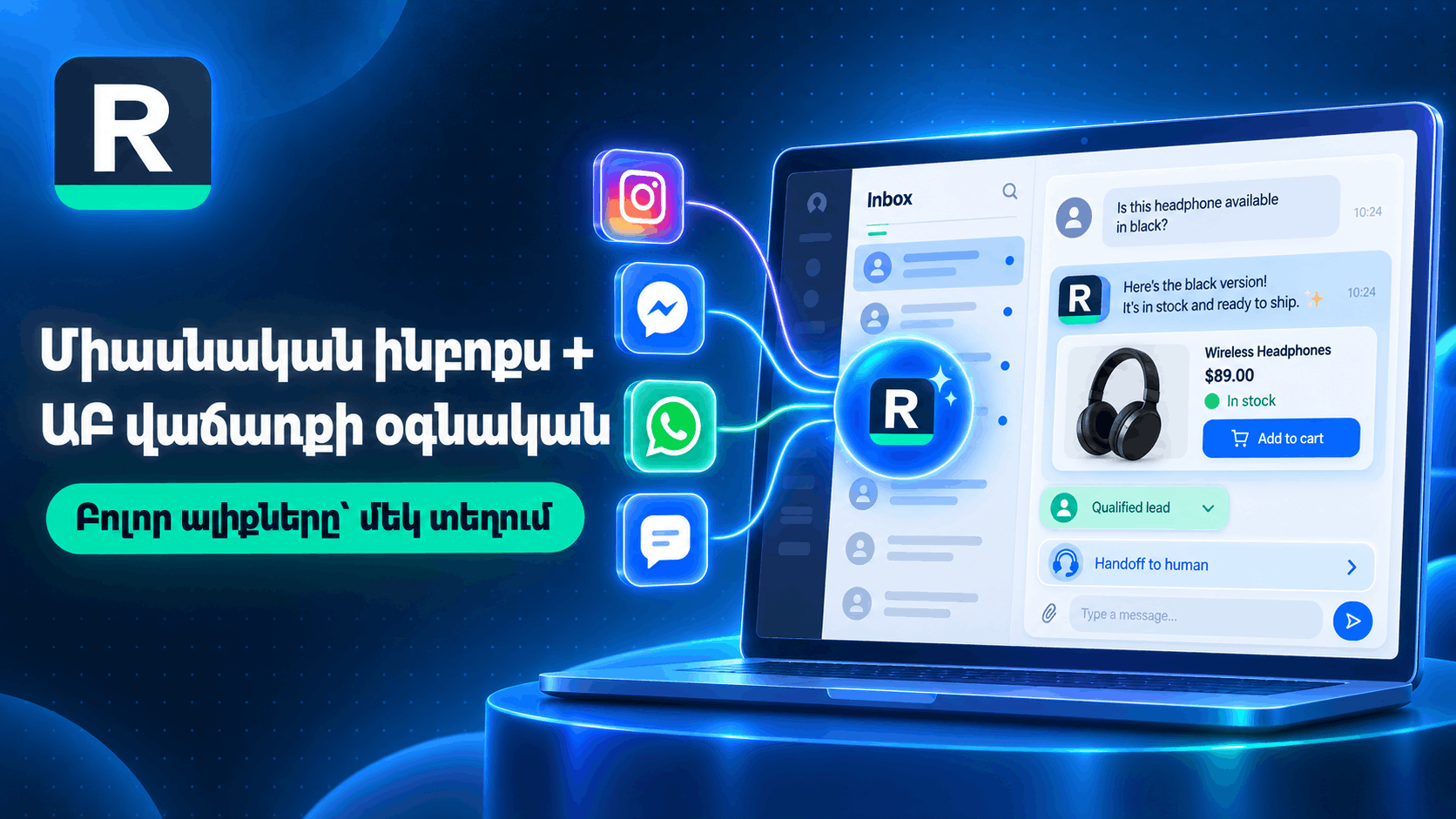
An Instagram WhatsApp shared inbox lets your team work every buyer conversation in one place—without tab-hopping between native apps.
What belongs in one inbox
- Instagram DM
- WhatsApp messaging
- Facebook Messenger
- Website chat (widget)
- Voice call handling as its own channel when enabled
Team workflows that matter
- Assignment — send a hot chat to the right person.
- Internal notes — keep context without messaging the customer.
- Canned replies — speed up common answers your brand already approved.
- Human takeover — pause AI and continue with full thread history.
How AI fits (without replacing your team)
AI can take first replies using catalog sync (Magento, Shopify) or CSV plus FAQs. Humans own exceptions. That mix is the point of a unified inbox.
Limitations
Each channel still follows its own platform rules. A shared inbox organizes work; it does not remove Meta or WhatsApp policy requirements.
Next step
Review channel pages for Instagram, WhatsApp, and Messenger, then register.
Ready to turn DMs into revenue?
Set up in minutes. Connect Meta, add your catalog, and let AI handle the first reply while your team closes the sale.