
In AI Chatbot & Ecommerce Guides
How to Automate WhatsApp Customer Replies After Hours
Keep WhatsApp Business messaging answering product and policy questions overnight—separate from optional Voice AI for phone calls.
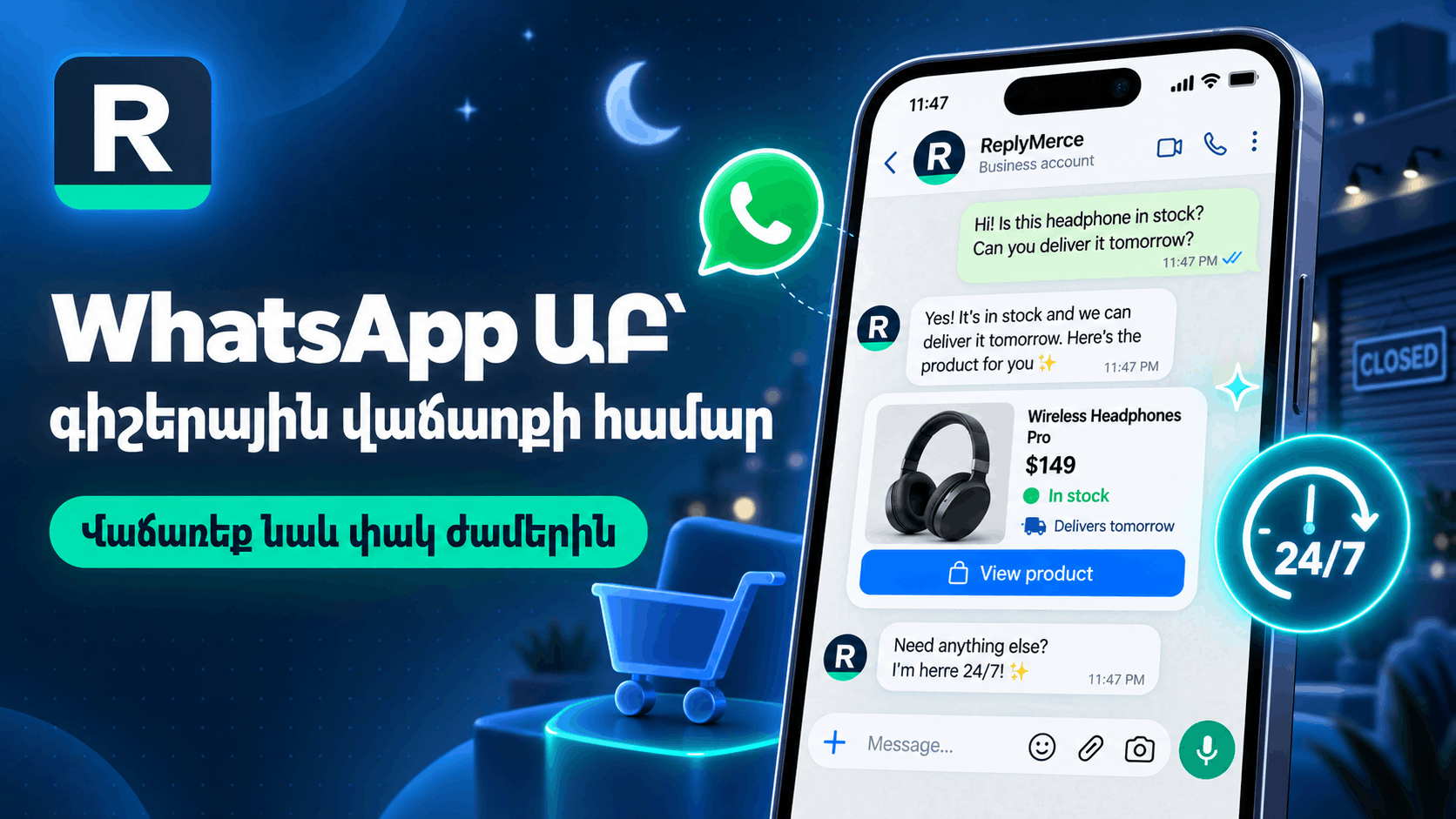
WhatsApp auto reply for business helps shoppers get product and policy answers when your team is offline—especially evenings and weekends.
WhatsApp messaging vs Voice AI
- WhatsApp (messaging) — text chats on the WhatsApp Business channel: catalog questions, FAQs, handoff to humans.
- Voice AI (voice_call) — a separate channel for phone-style conversations when you enable call handling.
Do not mix the two in your setup notes. After-hours text coverage does not automatically mean call coverage.
After-hours playbook
- Connect WhatsApp as a messaging channel in Replymerce.
- Sync Magento/Shopify or import CSV so prices and product names stay current.
- Add FAQs for hours, shipping cutoffs, and returns.
- Define when AI should stop and assign a human for morning follow-up.
- Use internal notes so the day shift sees overnight context.
What to avoid claiming
Do not promise instant real-time stock, checkout-in-chat, or that every overnight chat becomes an order. Label sample scripts as illustrative.
Limitations
WhatsApp template and business verification rules still apply. AI quality tracks your knowledge freshness.
Next step
Read WhatsApp AI chatbot, confirm Free Starter limits on /pricing, and register.
Ready to turn DMs into revenue?
Set up in minutes. Connect Meta, add your catalog, and let AI handle the first reply while your team closes the sale.